
A brochure stays the same once it’s done. A website runs on software that keeps changing, and it’s online all day for anyone to try their luck. That’s why website maintenance matters, even when everything looks fine from the front.
I learned this on my own site.
What I found on my own website
When I rebuilt strogonofy.co.za in October 2026, I looked properly at everything behind it. The site looked fine. Behind it, things had piled up.

The Google Analytics tag was the old type, which Google stopped supporting in 2023. Nothing on the page looked wrong, yet for three years it had been collecting nothing.
There were 23 plugins installed, and 3 of them weren’t even switched on. Each one was still something to update and keep an eye on.
An old test copy of the site was also still online, with its own login page and software far behind the main site. We had simply forgotten about it, and that’s how it goes when nobody’s job is to check.
None of this showed on the page. That’s the problem with skipping maintenance: you find out late.
The attacks aren’t personal
In the week I wrote this, the firewall on our site stopped 3,976 attacks. Of those, 3,950 were robots guessing login details.

We’re a small design studio in Pretoria, so nobody is after us personally. Robots try every site they can find and keep going until one has a weakness. A small business site gets the same treatment as a big one, often with less protecting it.
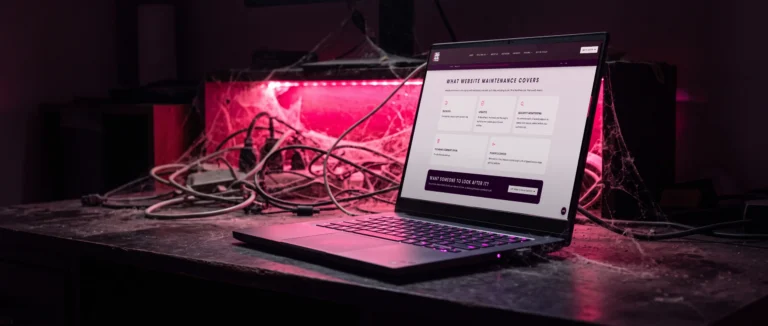
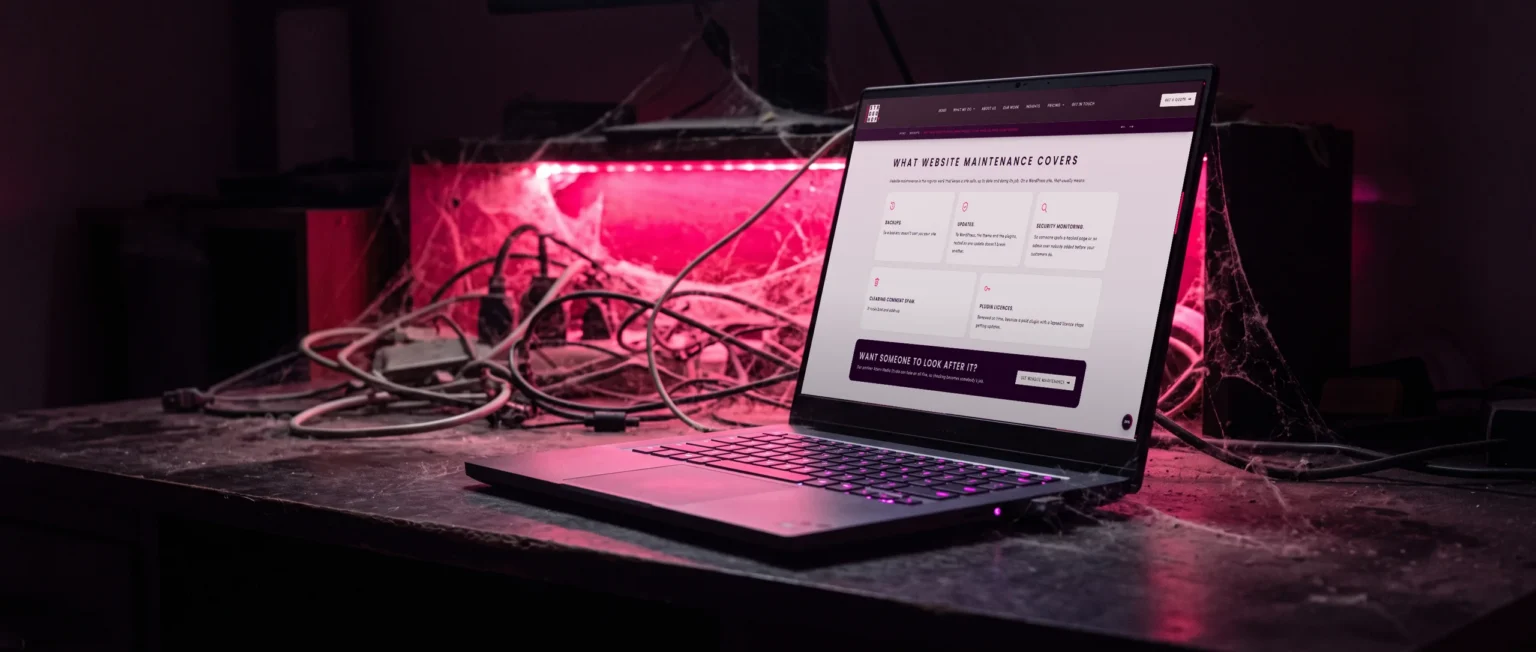
What website maintenance covers
Website maintenance is the regular work that keeps a site safe, up to date and doing its job. On a WordPress site, that usually means:
Backups.
So a bad day doesn’t cost you your site.
Updates.
To WordPress, the theme and the plugins, tested so one update doesn’t break another.
Security monitoring.
So someone spots a hacked page or an admin user nobody added before your customers do.
Clearing comment spam.
It looks bad and adds up.
Plugin licences.
Renewed on time, because a paid plugin with a lapsed licence stops getting updates.

A website maintenance checklist, and how often to run it
Not everything needs looking at every week. This is the rhythm I’d use for a typical business website.
Every month
Every three months
Every year
What to fix first
When a check turns something up, this is the order I’d work in.
Fix today
Fix this month
Can wait for the next round
What happens if you leave it

Usually nothing, for a while. Then an update gets skipped, a licence runs out, or a form quietly stops sending and enquiries go nowhere. The site gets a little slower every year, and you only notice when you compare it with a competitor’s.
A problem found during a routine check is a small job. The same problem found after your site has gone down, or been hacked, takes far longer to fix and costs you customers while it does.
How much does your site need?
It depends on what’s running behind it. A simple brochure site needs less than an online shop that takes payments every day. The fewer plugins your site carries, the less there is to look after, which is why we cut our own site from 23 plugins to 8. Technical maintenance is time someone pays for, so a lighter site costs less to keep running.
If your website was built a few years ago and nobody has looked at it since, that’s the place to start. Tell us the address below and what you’d like us to look at. Checking whether your site can run on fewer plugins, and what that would save you each year, is a flat rate of one hour (R630R630). Anything we fix after that is quoted first, so you know the cost before we start. If it needs more than looking after, our website design page explains how a redesign runs.